
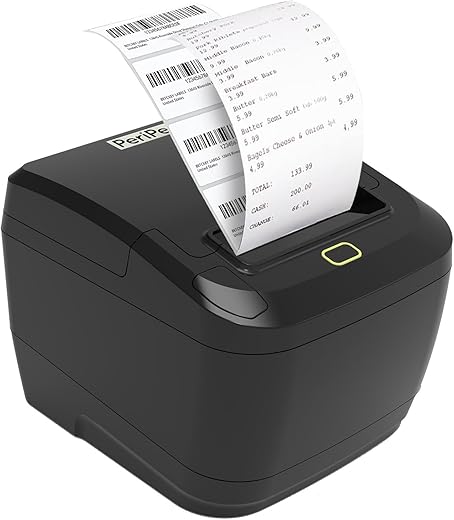

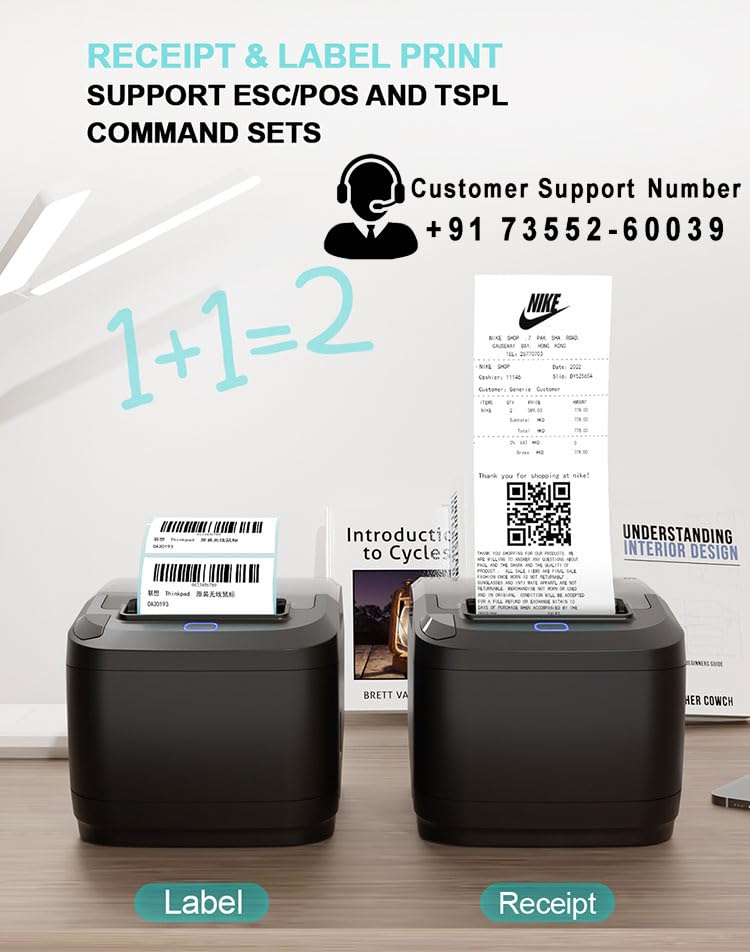
PeriPeri 80mm 3inch Bluetooth Direct Thermal Label + Receipt Printer for Print Labels & Receipts Compatible with iOS, Windows 152mm/s Print Speed
₹5,999.00
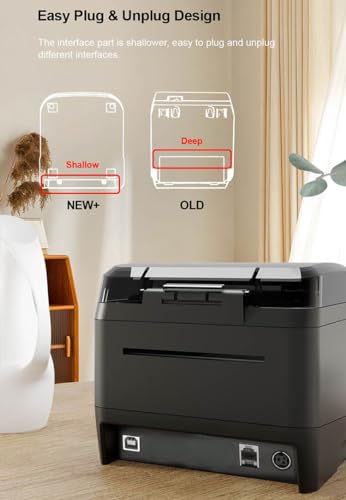
- 【Print Via Bluetooth Or USB 】 PeriPeri Label Printer Support Wireless Printing For iOS, Android, Windows 8 Or Later You Can Print Wirelesly Via Bluetooth & Wired Via USB. NOTE:- With Mac OS Print Via USB (Wired Only)
- 【High-Speed & Effective】 PeriPeri Printer For Label & Receipt With 203DPI Provides You Clear Barcode Labels & Receipt, The High Printing Speed Can Greatly Improve Your Working Efficiency.
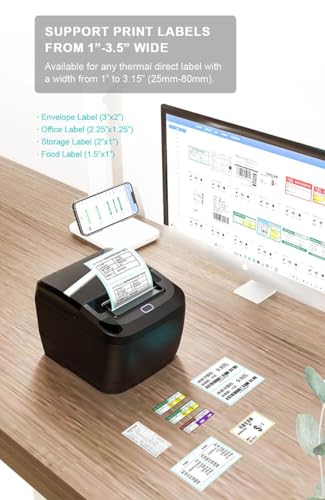
- 【25-80mm Thermal Label & Thermal Paper Compatibility】 The Printer is Suitable For Multiple Size Thermal Labels With 1.0″ to 3.15″ Width and No Height Limits & Any Size Receipt Thermal Paper 2inch,3inch You Can Use it As Label Printer, Barcode Label Printer, Receipt Printer, Bill Printer, Postage Label Printer, Package Label Printer, Product Label Printer, Name Printer Label Machine, Sticker Label Printer, SKU Label Printer, etc
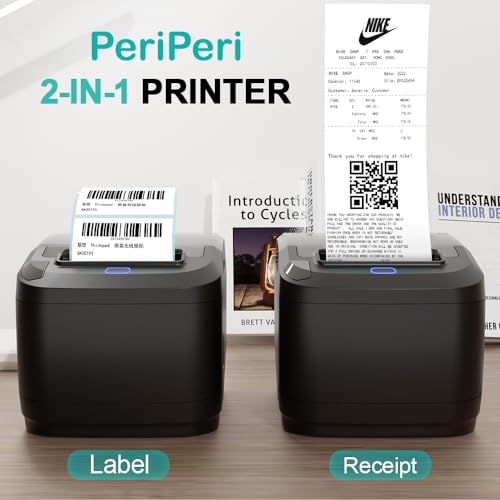
- 【2 In 1 Printer】Say Goodbye To Using Two Separate Printers For Labeling And Billing. This Compact And Well-Designed Printer Saves A Lot Of Space. You Only Need To Connect A Single Power Cable And Print Wirelessly Through A Convenient Bluetooth Connection. No More Hassle Of Dealing With Multiple Wires. Note:- The Printer Has Various Modes, With Windows When You Want To Print Receipt Then Need To Open Control Pannel> Printers & Scanners > Right Click On Eml-300L > Click To Print Preferences > Print Settings > Click Type > Change Gap To Continuty
- Note:- With Mobile Phone :- When You Want To Print Receipt You Have To Change Its Mode To Receipt And When You Want To Print Label You Have To Change Its Mode To Tspl, The Mode Change Process Is :- Turn Off The Printer > Long Press The Feed Button > While Pressing Feed Button Turn On The Printer > While Pressing The Feed Key The Light Changes To Blue Then Ren Then Blue Then Red-Blue, When Red-Blue Start Glowing Then Release The Feed Button, Current Print Command Printed On The Paper, Now Single Press The Feed Button Then Mode Will Change To Receipt Then Turn Off & Turn On The Printer Now The Mode Shiffted Receipt, Now You Can Print Receipts With Billing Softwares Like Vyapar Etc
,
Specification: PeriPeri 80mm 3inch Bluetooth Direct Thermal Label + Receipt Printer for Print Labels & Receipts Compatible with iOS, Windows 152mm/s Print Speed
|
8 reviews for PeriPeri 80mm 3inch Bluetooth Direct Thermal Label + Receipt Printer for Print Labels & Receipts Compatible with iOS, Windows 152mm/s Print Speed
Show all
Most Helpful
Highest Rating
Lowest Rating
Add a review
Related Products

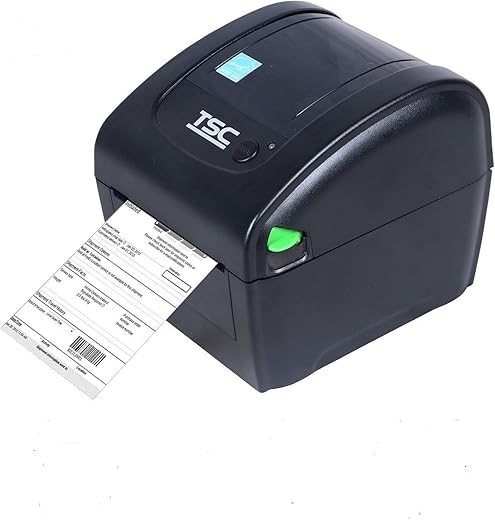


PeriPeri 80mm 3inch Bluetooth Direct Thermal Label + Receipt Printer for Print Labels & Receipts Compatible with iOS, Windows 152mm/s Print Speed
₹5,999.00

Sonu –
Great customer care support. And product is also in best quality. I’m writing this review after using for 9 months.
This one has blutooth, ethernet and usb support with receipt and label printing.
sreenath pippera –
Good experience with this product.
Easy to use .
Recommended
Best tharmal printer in this price range.
Product delivery on time.
sreenath pippera –
Works well… Easy to install… value for money compared with other brands and models…
HIMANSHU –
Very good printer and easily printable with mobile phone with customised barcodes with open label app.. most friendly for startup business and value for money…
Teja Bogari –
This printed is good in quality and ease of use functionality and ease to carry
vivek –
Service Is very good.
Print quality is good
Ease of installation.
Use is easy.
USB is connectivity good.
Teja Bogari –
Best in the market. Does its best. Print both barcodes and receipts. Affordable price, go for it.
vivek –
Good Product