
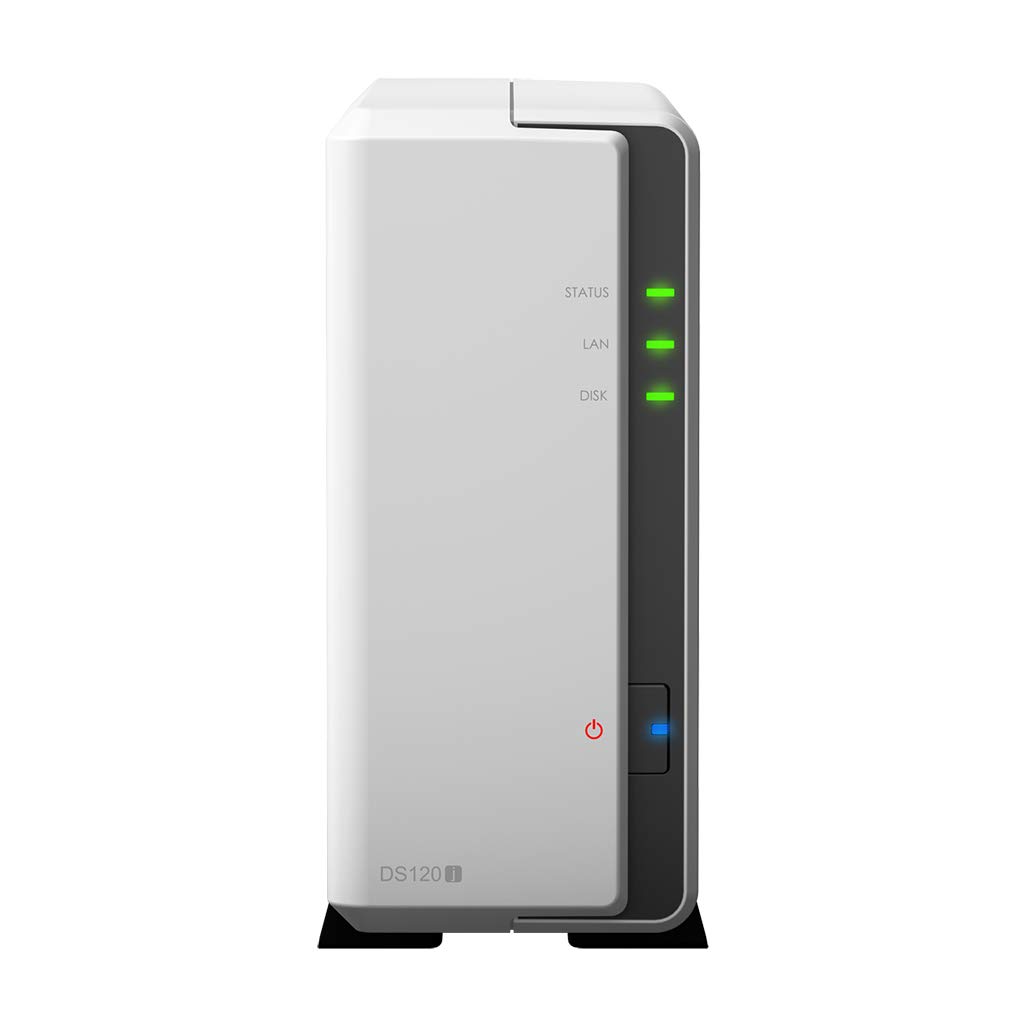
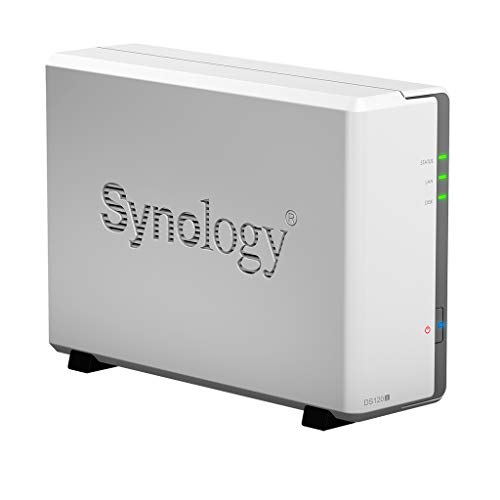

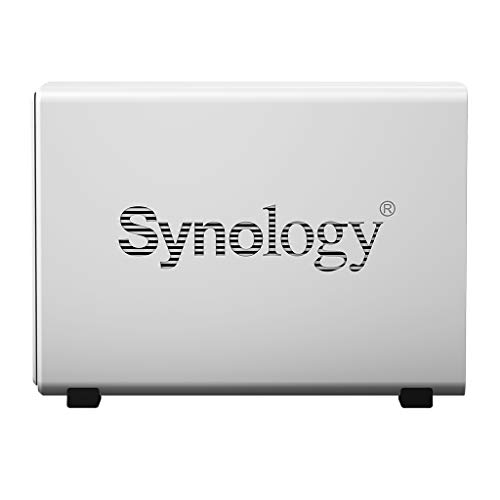

Synology DiskStation DS120j NAS Server, Marvell Armada 3700 88F3720, 512MB DDR3L Memory, 2TB SATA, Synology DSM Software
₹25,699.00
- Synology DiskStation DS120j is the perfect entry-level NAS for home or small business; energy efficient and budget friendly 1-Bay NAS designed to store, share and protect personal data
- Processor: Marvell Armada 3700 88F3720 Dual-Core 800MHz CPU, Up to 1.2GHz Boost; Ports: RJ-45 1GbE LAN Port; 2 x USB 2.0 Port; Memory: 512MB DDR3L Memory; HDD Storage: 2TB 7.2K RPM 6Gb/s SATA HDD for High Capacity Storage
- OS Features: Synology Mobile App Integrations, Centralized Backup for Devices, File Access and Sharing via QuickConnect, Comprehensive Built-In Security Tools, Complete Multimedia Management and Streaming Tools
- Synology NAS chassis comes in a sealed box.
- Hard drives and memory upgrades included separately NOT installed, installation required.
,
Specification: Synology DiskStation DS120j NAS Server, Marvell Armada 3700 88F3720, 512MB DDR3L Memory, 2TB SATA, Synology DSM Software
|
5 reviews for Synology DiskStation DS120j NAS Server, Marvell Armada 3700 88F3720, 512MB DDR3L Memory, 2TB SATA, Synology DSM Software
Show all
Most Helpful
Highest Rating
Lowest Rating
Add a review
Related Products


Synology DiskStation DS120j NAS Server, Marvell Armada 3700 88F3720, 512MB DDR3L Memory, 2TB SATA, Synology DSM Software
₹25,699.00

Bob –
After 3 years still serves me well and even traveled around the world with me. It has Toshiba HDD inside.
William A. Kuhns Jr. –
Advertising lead me to believe that there was a wireless interface for mobile devices. If there is, I haven’t found it yet. Basic system, not what I had hoped for… Slow to load programs
hi guy –
My worst shopping experience, though I like Amazon a lot.
(1) It is cheating. There is NO disk in the enclosure, although it says, “includes 2T storage”
(2) Return shipping label is NOT prepaid, although it said so.
Bottom line, don’t buy it.
RCK –
BLUF: ugh.
I bought this unit because it kept popping up in various articles as one of the better replacements for Apple’s canceled Time Capsule product. About all I can say about it is that I finally got it talking to the Eero router the same articles recommended. Some observations in no particular order:
– Difficult to set up and get talking to everything. It was like going back 20 years in time. Assumes knowing about networking.
– The set up assumes you have a reasonable working knowledge of Mac OS at a much deeper level than most users. This alone is a big fail. The virtue of the Time Capsule was you plugged it in, gave it a password to use or what ever and walked away.
– It is loud and nosy and clicks all the time. It is 2020. Home electronics should be silent.
Bottom line? Like in many areas of computing the technology is sliding backwards, not improving. A pretty phone app is not the solution guys, equipment that is truly plug it in and forget it is. Apple blew it bad by cancelling the Time Capsule. Eero blew it bad by not offering a complete solution like the Time Capsule, and Synology? How about entering the 21st century?!
PhotoMan –
It has worked flawlessly! This is the second Synology product I buy, the first was four bay unit which are use personally and has worked perfectly for a year and a half. I bought this one for a club I belong to and it is doing the job.