
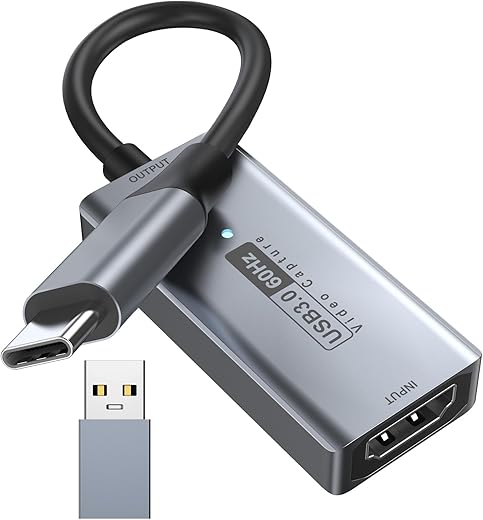


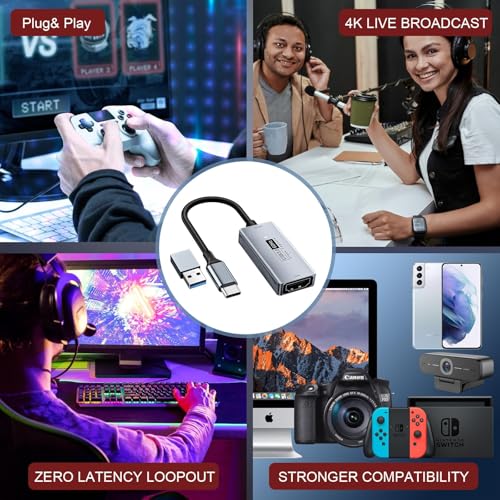
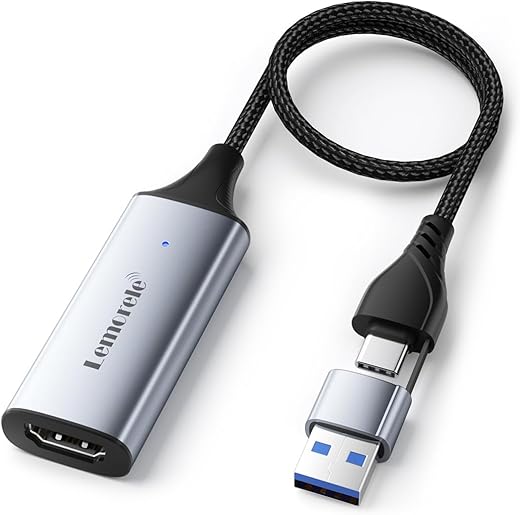
Newhope Video Capture Card, 4K HDMI to USB C 3.0 Capture Card, 1080P HD 60fps Live and Record Video Audio Grabber for Gaming, Streaming, Teaching,…
₹1,799.00
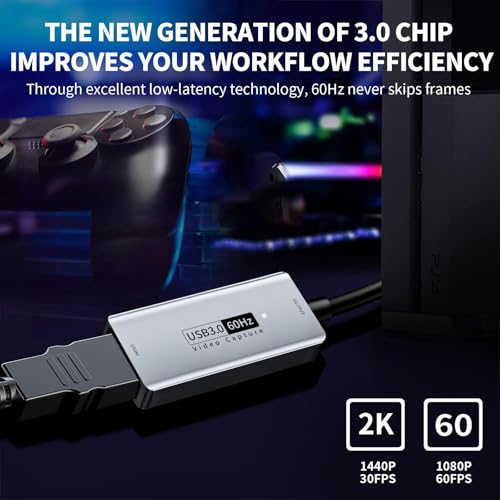
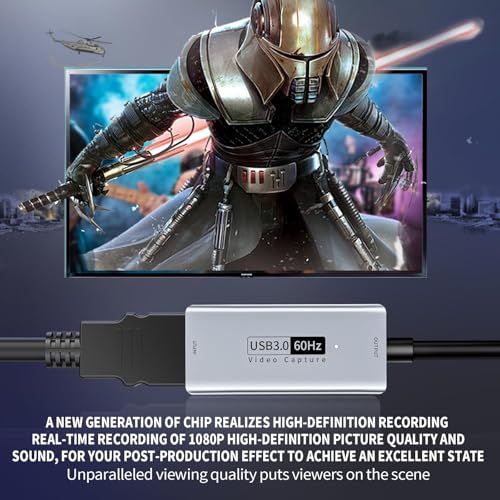
- 【High Speed 3.0 Capture Card】This HDMI Newhope game capture card uses a newer 3.0 chip, lower latency than the old model, higher transmission speed, supports maximum input resolution 3840×2160@30Hz, maximum output resolution 1920×1080@60Hz, supports high quality recording record 1080P 60fps and live streaming.
- 【Real Time Preview】 The audio and video capture card adopts ultra-low latency technology, which allows you to play the live recording without delay. And it makes it easy to stream in real time to Twitch, Youtube, Facebook, TikTok, video recording directly to your hard drive, compression free output without delay. (NOTE: Live game broadcast must be used with capture software, such as VLC, OBS, Amcap, etc.)
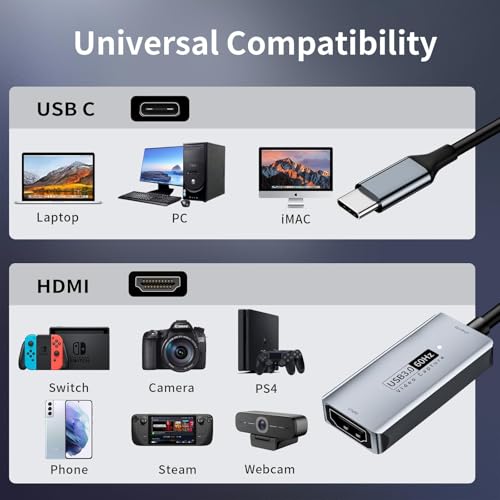
- 【Wide Compatibility】This HDMI to USB C 3.0 capture card easily connects DSLR, camcorder or action cam, PS5/4, smartphone, Switch, Xbox to your PC or Mac, compatible with Windows/Android/MacOS. (Note: It is a one-way video capture card, which only converts from an HDMI source to a USB C display.)
- 【Widely Used】 The HDMI 4K video capture card can capture video and audio simultaneously. This HDMI capture card is suitable for high definition capture, live broadcast, conference rooms, video recording, teaching recording, medical imaging, live broadcast of gaming entertainment, etc.
- 【Package Contents & Notes】1 x HD video capture card, 1 x USB 3.0 to USB C adapter, 1 x English user manual. Please note that you need to restart OBS Studio software after the audio setup is complete, otherwise there will be no sound. If you encounter any quality problems while using this product, please contact us, our 24-hour online customer service to solve your problems
,
Specification: Newhope Video Capture Card, 4K HDMI to USB C 3.0 Capture Card, 1080P HD 60fps Live and Record Video Audio Grabber for Gaming, Streaming, Teaching,…
|
5 reviews for Newhope Video Capture Card, 4K HDMI to USB C 3.0 Capture Card, 1080P HD 60fps Live and Record Video Audio Grabber for Gaming, Streaming, Teaching,…
Show all
Most Helpful
Highest Rating
Lowest Rating
Add a review
Related Products


Newhope Video Capture Card, 4K HDMI to USB C 3.0 Capture Card, 1080P HD 60fps Live and Record Video Audio Grabber for Gaming, Streaming, Teaching,…
₹1,799.00

Chayenne Woudstra –
Stream quality is good if you just want to use it for personal use 🙂
Orderman –
Muy bueno
Dranlion –
Fonctionne bien, utilisé avec une caméra, ce boîtier d’acquisition est un excellent rapport qualité prix, la qualité est bonne et fluide, je ne m’attendais pas à quelque chose d’aussi correct pour le prix.
Geggo –
The media could not be loaded.
Mi serviva un dispositivo per registrare dalla mia mirrorless sfruttando il mini HDMI e sfogliando varie recensioni ho provato questo prodotto della Newhope, dopo aver provato altri simili ma probabilmente incompatibili con la fotocamera.
Newhope, sconosciuta fino ad ora ma il prodotto si è dimostrato affidabile ben costruito.
Lo uso ormai quasi quotidianamente da un mese e non ha mai avuto un problema.
❗A differenza di altri modelli, almeno nel mio caso, questo è perfettamente compatibile con la mia ZV-E10 e con la A7III. Credo funzioni anche sulle altre fotocamere ma non ne ho la certezza.
Ho scelto la versione 4K soprattutto per avere i 60FPS in FullHF 1080P. E li regge benissimo.
⚙️UTILIZZO: Semplice ed efficace. Con Windows 11 non serve installare nulla, si collega semplicemente la presa HDMI in uscita dalla fotocamera a questo adattatore e poi si collega alla porta TypeC del computer ed è fatta. Avvii la app fotocamera o inserisci la sorgente in OBS e vedi il live della fotocamera su PC
⚠️ATTENZIONE: Non fate l’errore che fanno in molti. Ossia quello di dire che non funzina se non avete settato la fotocamera.
Nel mio caso devo avere la modalità Video attiva (non foto), e bisogna aver abilitato l’uscita HDMI sulla fotocamera, altrimenti non funzionerà.
⚠️ATTENZIONE: Il connettore HDMI sul dispositivo NON è un’uscita, bensì un’entrata (IN).
Significa che il flusso video va DALLA fotocamera AL computer. NON viceversa. Non si può collegare alla porta USB-C ad es. di un Mac e “inviare” alla TV.
✅PREZZO: Per quello che fa, e chi mi ha risolto, sono soldi spesi benissimo. Un accessorio che non può mancare per chi vuole usare una fotocamera di qualità come webcam o registrare da OBS per dirette gaming / Twitch
Geggo –
Using a Canon video camera on Zoom. This device makes it happen easily. Plug ‘n Play > HDMI to USB Type C.