


Microware HDMI Video Capture, 4K HDMI to USB 2.0 Video Capture Device, 1080P HD 30fps Broadcast Live and Record Video Audio Grabber for Gaming,…
₹429.00
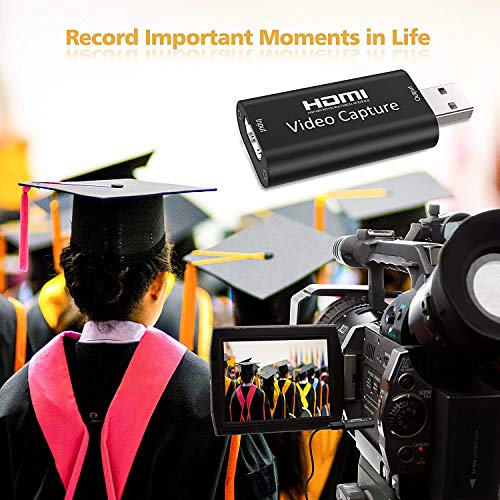
- HDMI VIDEO CAPTURE : Microware HDMI capture card can record high-quality images on PC. It supports UVC (USB Video Class), you can easily record PC game video by simply connecting between PC and game console. Using our “Video Capture Card”, you can easily achieve HDMI pass-through and PC recording, and you can use the built-in functions of existing software to achieve a seamless experience.
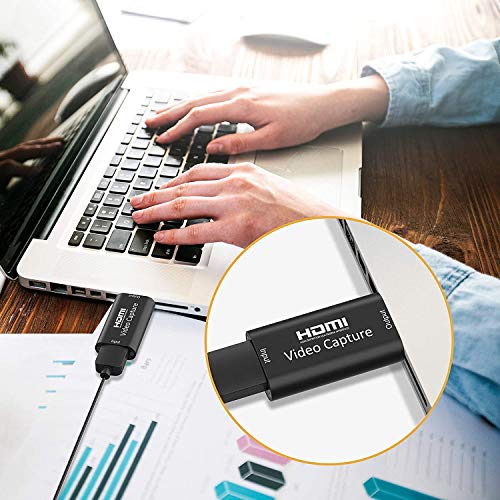
- SCREEN SHARING : Using Microware HDMI video capture can easily achieve HDMI pass-through and PC recording. Compatible with Windows, Mac and Android operating systems. You can use real-time video recording applications such as VLC media player, OBS Studio, XSplit, etc.
- HDR RESOLUTION : In order to ensure that reliable video and streaming media will not crash and provide a high-quality user experience, the Microware game capture card adopts a USB 2.0 interface, without CPU intervention, and can record at a high quality of 1080p/30fps. Maximum input resolution: 3840×2160 @ 30Hz, maximum output/recording resolution: 1920×1080 @ 30Hz, 1280x720P @ 60Hz.
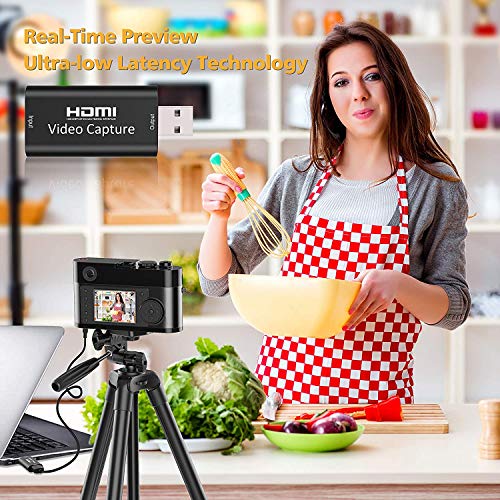
- WIDE COMPATIBILITY : Microware HDMI game capture card can be connected and used with most console devices (such as mobile phones, consumer games, consoles, switches and cameras). You can display the video/audio of PS4, Xbox, Nintendo Switch or other home game consoles on your PC and record/live broadcast (live broadcast). Now you can post real-time game videos to video distribution sites such as YouTube, Facebook and Twitter.
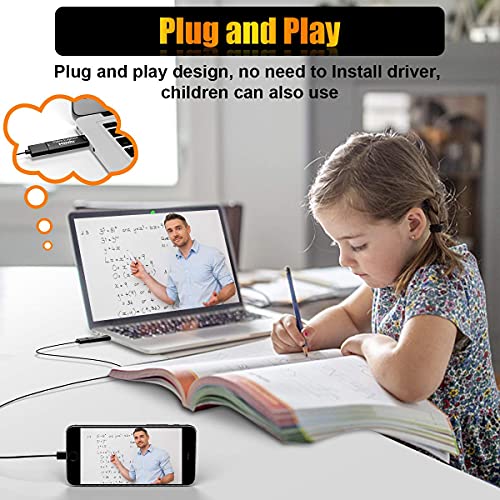
- PLUG AND PLAY : Compact design, no need to install power supply or drive, and easy to carry. You don’t have to prepare a new environment, you can implement it in the current Internet environment. You can use a conversion cable that supports HDMI input to connect to a variety of devices. Through the easy-to-understand operation screen, you can easily record game videos.
,
Specification: Microware HDMI Video Capture, 4K HDMI to USB 2.0 Video Capture Device, 1080P HD 30fps Broadcast Live and Record Video Audio Grabber for Gaming,…
|
6 reviews for Microware HDMI Video Capture, 4K HDMI to USB 2.0 Video Capture Device, 1080P HD 30fps Broadcast Live and Record Video Audio Grabber for Gaming,…
Show all
Most Helpful
Highest Rating
Lowest Rating
Add a review
Related Products


Microware HDMI Video Capture, 4K HDMI to USB 2.0 Video Capture Device, 1080P HD 30fps Broadcast Live and Record Video Audio Grabber for Gaming,…
₹429.00

Rob Stewart –
I initially bought one of these as an experiment to connect a Nikon DSLR camera to stream live video for our Church via OBS. It was easy to set up and worked perfectly with OBS so well infact that I purchased a second one almost immediately to run a second camera. I now have the capability to run 2 cameras independently at the fraction of the cost that a dedicated unit would have cost.
Bidhan Gurung –
Excellent product,good value for money ,works straight away out of the box ,no driver required
amrit malhotra –
Sooo nice
Old Running Dude –
After a bit of fiddling around, I got this to stream from Gopro 3+.
The picture quality is excellent but there’s a lot of latency, much more than on my regular webcam.
I’ve no way to measure it, but it feels like half a second or so before whatever you do appears on the screen.
This may or may not be important to you.
Owb –
Wanted a device to connect to a webcam so i purchased the audio video capture i have both a mac and a windows 10 PC my intel 8700 k windows 10 and i have a 2019 Imac .
The device was not recognized when plugged it into my Imac and my PC ,i connected a sony A7 and the camera would not even switch on .The Audio video capture is not plug and play in any way ,i tested the device on a windows and a imac.
Not fit for purpose………
pmac999 –
I quite liked the idea of using my mirrorless camera for conference calls but couldn’t really justify the £100+ cost of the most popular model. I thought I’d give this cheap one a try and so far, after one 90 minute zoom call, I’m quite pleased. It’s “only” HD (as opposed to the 4K on more expensive models) but for conference calls that is more than enough. It works with my Sony A6300 and 2012 MacBook Pro and so far no problems.