
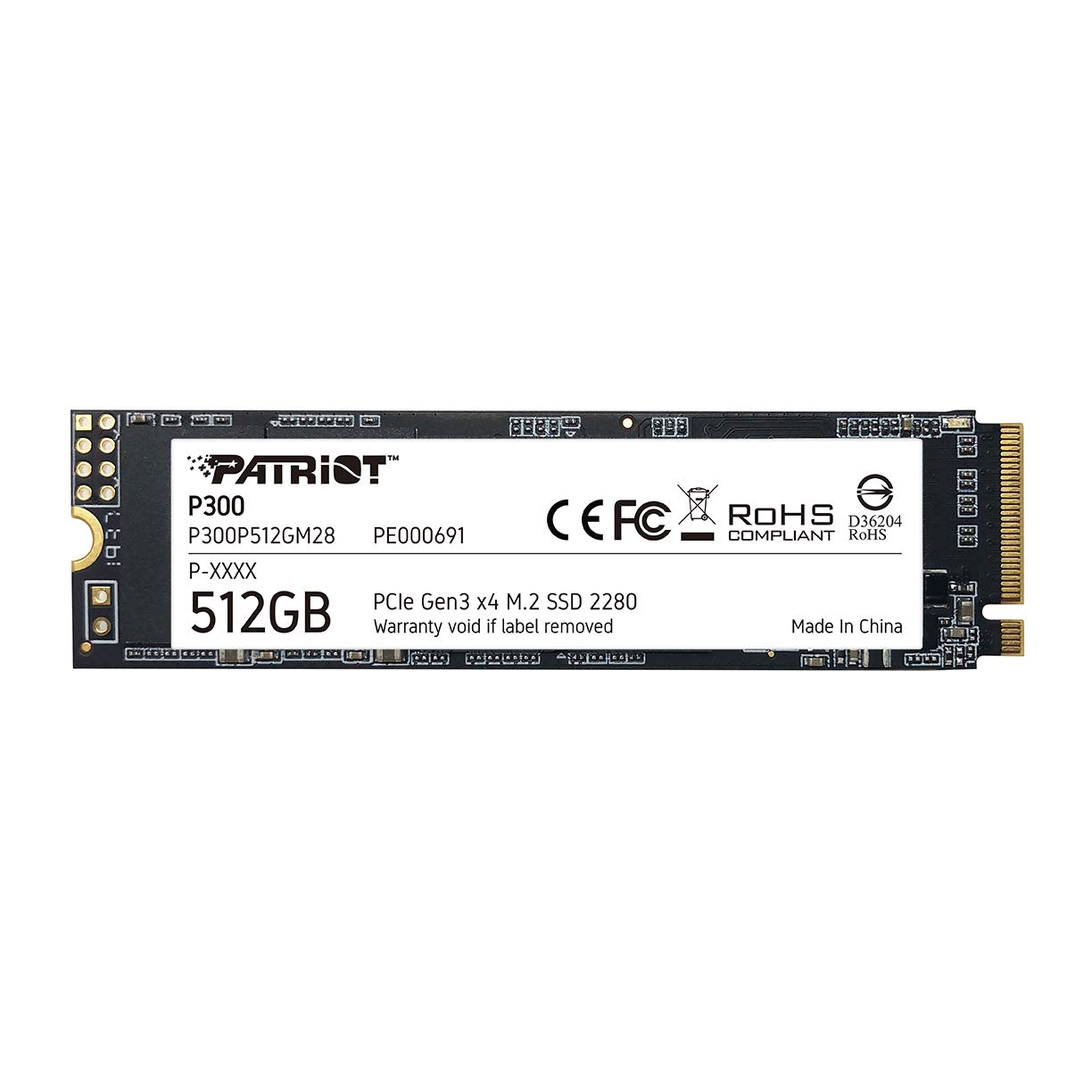
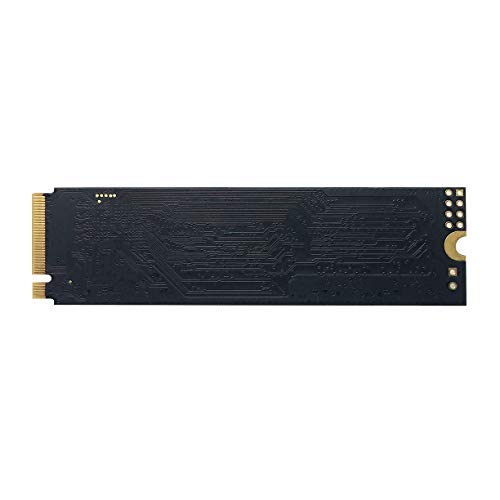


Patriot Memory P300 M.2 PCIe Gen 3 x4 512GB Low Power Consumption SSD P300P512GM28
₹2,499.00
- SMI 2263XT Series Controller 2280 M.2 PCIe Gen3 x 4, NVMe 1.3
- Built in end to end data path protection, SmartECC technology, and Thermal throttling technology
- Supports LDPC (Low Density Parity Check) to correct error during read to ensure data integrity and NANDXtend ECC technology to extend the lifespan of NAND Flash
- SEQ Performance Read up to 1,700MB/s, Write up to 1,100MB/s 4K Aligned Random Write up to 260K IOPs
,
Specification: Patriot Memory P300 M.2 PCIe Gen 3 x4 512GB Low Power Consumption SSD P300P512GM28
|
13 reviews for Patriot Memory P300 M.2 PCIe Gen 3 x4 512GB Low Power Consumption SSD P300P512GM28
Show all
Most Helpful
Highest Rating
Lowest Rating
Add a review
Related Products



Patriot Memory P300 M.2 PCIe Gen 3 x4 512GB Low Power Consumption SSD P300P512GM28
₹2,499.00

Sandip –
Good product in budget.
vishnu jayaraj –
Bought this Patriot 1TB Nvme SSD on discount offer for 3.2K, when similar drives are sold for 4.5K nowadays. I was skeptical about its performance after watching few reviews, but it has definitely exceeded my expecations. Its performing at almost double the advertised speed. Patriot’s claimed speed is 2100 MB/s Read and 1600 MB/s write, but im getting, 3500 MB/s Read and 3200 MB/s write speed on benchmark. I have moved my OS to this drive and PC boots up in less than 10 secs. Will definitely recommend this drive. 5/5
Chris Sullivan –
I picked this up purely to use as a boot drive in my HTPC. It’s maybe not PCIe 5.0, but it’s still fast, I’ve done a few tests on it and it passes without issue. Perfect.
Alexandre –
Działa zgodnie z opisem
Sandip –
It’s faster than the spec sheet, works perfect,
Fyi it’s actually 5 Year Warranty on the package
vishnu jayaraj –
Was not getting detected in windows laptop initially. On fifth try got it right. Working fine now.
B.VENKATACHALAM –
Speed is not that good. So far SSD is working fine. Worth the money for regular use.
B.VENKATACHALAM –
Irfan –
Nvme mto rápido para iniciar e fluído com sistema.
Amazon Customer –
Excellent value product.
Purchased 256gb variant. Speeds far exceeds the company specified speeds.
Always ensure to connect to Pcie 3.0. – 4X. Slot /. M.2 to get optimum speeds. Even Pcie 3.0- 2X also gives R-1700 / W-1100 Mbps speeds, which is more than enough to boot the windows at optimal level.
This is a non returnable item, although you will get in sealed package, create a video opening as an evidence to claim mishaps, if any.
Mr. Wick –
Mi laptop paso de encender de 70 segundos a 20, la diferencia al prender y usarla con esta memoria fue muy buena y se siente de calidad
Himank Kashyap –
I use this with a uGreen USB3.2 adapter on the USB3 port on a Raspberry Pi 4. It provides much better performance than the micro SDHC built-in to the device. It support SMART under Linux and provides what looks like sensible stats. This is not a high-performance card that I would use in a modern desktop but is plenty fast enough for USB3 on a Pi. As for the number of write cycles it will support – time will tell. The SDHC is poor in that regard so I’m hoping for better.
The Raspberry Pi image to switch the firmware from micro-SDHC boot to USB boot priority is on the Raspberry Pi OS site. There are several methods to copy your micro-SDHC to a USB device. I happened to use the dd command on a separate LInux computer, followed by parted & expandfs because I was also going from 32GB to 128GB. All is well.
Watch the power consumption though. It will add up to 7W (1.2A @5V) to the load on the Pi, so if you have other USB devices that consume power you might find that the you need a powered hub to provide auxilliary power. On a desktop or laptop that is unlikely to be a problem.
nihanaaz –
The SSD is working great and the quality is also good. I am running Ubuntu on this SSD and its working smoothly.