

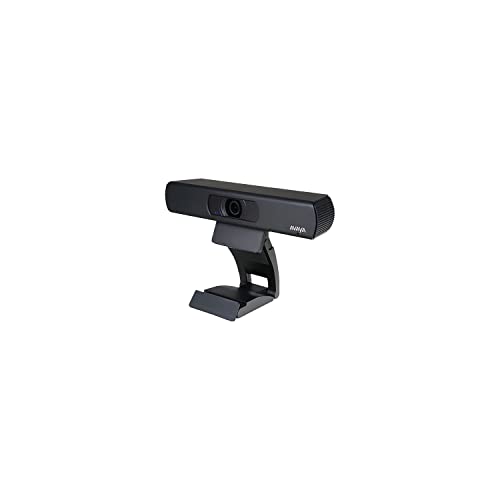


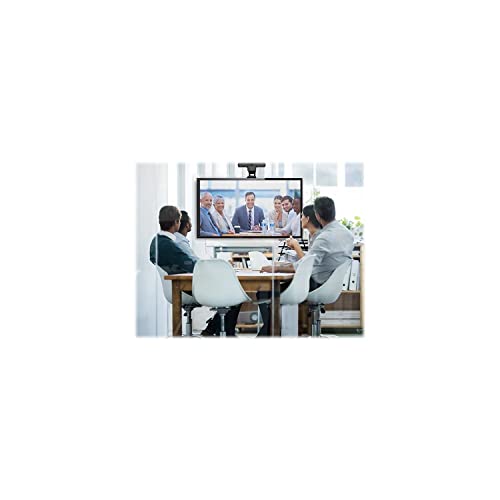

Avaya HC020 Web Camera
₹1,990.00
- Easy To Deploy
- Exceptional Hd Experience
- Intuitive, Easy To Use
- , Enterprise Capability For Any Size Business
- Included Components: Video Camer, Battery Charger, Adapter, Ac/Dc Power Cable, Manual Book Cd Rom, Warranty Card
,
Specification: Avaya HC020 Web Camera
|
5 reviews for Avaya HC020 Web Camera
Show all
Most Helpful
Highest Rating
Lowest Rating



Amazon Customer –
Muy buen producto, de excelente calidad y facil de programar y manejar.
Joseph G. –
Delivered fast and works well. Solid build. Zoom is a great feature. Another colleague has already bought the same camera.
Nathalie –
Très satisfaite, l’angle est large, le fait de pouvoir rapprocher ou éloigner avec la manette est apprécié!
JimBow61 –
I’m responsible for IT in a small company of about 50 users. When the pandemic hit and everyone started using Teams, Zoom, etc. I searched long and hard for a good quality webcam that could handle the backlighting of windows behind my users, and which would allow them to easily pan and zoom the camera without having to use software for these adjustments. Then I found this Avaya camera with a remote control. This webcam is amazing. The remote control allows the users to easily zoom/pan and there’s a “backlight” button that toggles the backlighting feature of the camera. While no camera is going to be perfect when pointing at the person with a big sun lit window behind them, this “backlight” toggle button really helps. Much better than the software lighting adjustments. I first ordered three of these to test. Then after the warm reception from my test subjects, I ordered 25 more for the rest of the folks that needed one in my office. We’ve been using them with no issues for three months now. The users love them. I found it’s best to plug them into a SuperSpeed USB port directly to the laptop or dock, or CPU for desktops. When I’ve plugged them into monitor USB ports, I don’t think they get enough bandwidth or power to make them happy. Again, I highly recommend these cameras. Thank you Avaya!
M. Jones –
I’ve had this camera for about a year now and I’m a huge fan. I spend anywhere between 4-6 hours per day on video calls and with the addition of an external monitor, it was always awkward to use my MacBook Pro camera, which I think only does 720P, and having people looking at the bottom of my neck when I looked up at my screen.
The quality is incredible, the remote zoom/pan features are awesome and I constantly get comments about how much crisper my video looks compared to anyone else I’m in a meeting with.
I don’t have a ton of experience with external cameras outside of this one, but I trusted Avaya and their line of business focused cameras and haven’t been let down yet. Even the size and heft compared to a Logitech one I sent back is such a huge difference.
Get it. It’s expensive, yes, but if your work depends on video quality, you can’t go wrong.
Side note: I don’t use the included microphone and use my own. It isn’t the greatest and I actually prefer the MacBook mic, but if you’re going for a full on home office setup, my opinion is that you should get an external mic if you’re investing this much into a camera. Should the included mic be better for $170? Yes, but hey, get the best camera and pick up a solid mic and you’re golden.