


Brother DCP-L2541DW Auto Duplex Laser Printer With 30 PPM Print Speed, Multifunction Print Scan Copy, Automatic Document Feeder, 2 in 1 ID Copy…
₹22,299.00
- Printer Type : Laser Printer ; Functionality : Print, Scan & Copy ; Print Output : Monochrome ; Connectivity – Wi-Fi, Network & USB ; Scanner Type – Flatbed ; Scanner Scanner (if exist): Yes ; Scanner resolution (if exists) – Up to 19200 x 19200 dpi (interpolated), Up to 1200 x 1200 dpi (from Scanner Glass), Up to 600 x 600 dpi (from ADF)
- OS Compatibility -Windows, Mac & Linux ; Mobile Connectivity – All Android & Iphones ; Hardware Interface: Wi-Fi, Ethernet & USB ; Enlarge/reduce option: Yes ; Auto double print: Yes
- Maximum Print Speed (color): NA, Maximum Print Speed (Monochrome): 30 ppm Maximum Print Resolution (Color): NA ; Maximum Print Resolution (Monochrome): 600 x 600 dpi, HQ1200 (2400 x 600 dpi) quality
- A4, Letter, A5, A5 (Long Edge), A6, Executive ; Max paper thickness (in GSM) – 105 GSM ; [Maximum Input Sheet Capacity] – 250 Sheets ; Compatible Ink/Toner : TN-2365 Toner Cartridge ; Additional Printer Function – Print, Scan & Copy ; Power wattage of printer : 510 W
- Special Features : Network Printer, Automatic 2-Sided Printing ; Included Components : Power Cable, USB Cable, Installation CD, Inbox Toner TN-2365 (2600 pages) (needs to be installed)
,
Specification: Brother DCP-L2541DW Auto Duplex Laser Printer With 30 PPM Print Speed, Multifunction Print Scan Copy, Automatic Document Feeder, 2 in 1 ID Copy…
|
8 reviews for Brother DCP-L2541DW Auto Duplex Laser Printer With 30 PPM Print Speed, Multifunction Print Scan Copy, Automatic Document Feeder, 2 in 1 ID Copy…
Show all
Most Helpful
Highest Rating
Lowest Rating
Add a review
Related Products

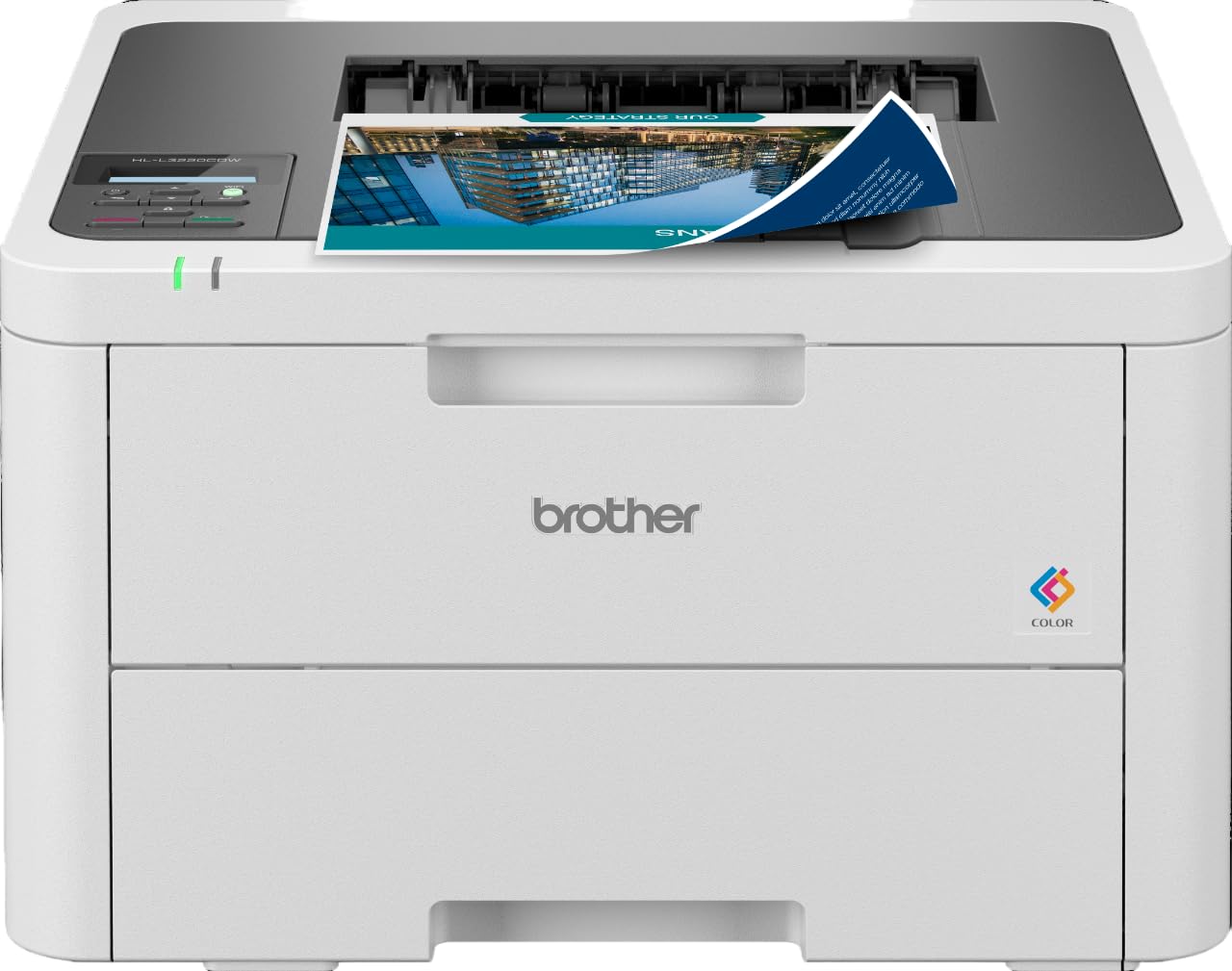


Brother DCP-L2541DW Auto Duplex Laser Printer With 30 PPM Print Speed, Multifunction Print Scan Copy, Automatic Document Feeder, 2 in 1 ID Copy…
₹22,299.00

AKSHAYKRISHNA MISHRA –
User friendly
Vaneet Bhatia –
Quality printing, one time investment,good after sale service
Vyuhbuildtech –
I have never seen a worse printer than this. Please never buy this printer, useless.
Hasha –
This is an amazing all in one printing-scanning-copying machine. Offers more than other models like HP. Opted for this as it has an auto feeder, which makes copying/scanning of multiple pages much easy. In the HP machine, you had to insert and scan one page at a time. In this, you just load the pages on the feeder and it does it all automatically.
The only downside was the default setup this machine comes with. I would say its very user unfriendly. After spending few hours and browsing through all the forums and international Amazon site, I learnt how to set up this machine for best use. My printer was setup correctly, however on the wireless printing mode, it used to go to sleep mode after a few minutes, and none of my devices were able to detect the printer there after. This was a pain, as I had to eventually go to the machine and restart it to get it out of the sleep mode. Brother needs to fix this as not everyone is good with machines.
Anyways, here is what you should do right after installing the software on your PC.
EDIT: Before reading through the steps below. Make sure you update the firmware on the printer, as it might automatically solve the iissue. If it doesn’t, then go through the steps. Firmware can be updated by downloading the Firmware update tool available here: http://support.brother.com/g/b/downloadtop.aspx?prod=dcpl2541dw_as&c=as_ot&lang=en
Go to the printer , Click on the Menu Button, and pull up “Network” settings using the buttons on the printer. Under that, go to WLAN and click on set up wizard. Use this to connect your printer to the router/wifi. Once you are connected, do the following steps.
On your printer, press Menu button and :
1. Go to Network->WLAN->TCP/IP->Boot Method – Change it to Static
2. Go to Network->WLAN->TCP/IP-> APIPA – Change it to turn it OFF/Unchecked.
3. Go to Network->WLAN->TCP/IP-> IPv6 – Turn it ON.
After following these steps, your printer will always stay connected to the network. If you don’t follow these steps, then your printer will not show up while you try to wirelessly print/scan from your device(after few minutes of turning on the printer). I hope Brother sets up the machine to run these settings by default.
Arun Dhakshinamurthy –
I’ve ordered this multi function device for my home need and it does a fantastic job. Mostly I am using it for my kid’s school assignments. The print quality, duplex printing option, Copy & scan function, Admin tool, etc is simply superb. It’s easy to unpack, easy to install. The quality of the print is so neat. Device does not heat up too much and it’s noise free operation. Wireless printing option is the added advantage because of which I can place the printer wherever I want and not necessarily in my working table.
Initially I had some trouble in setting up the scanner function (it’s my bad that I have used WiFi router’s different frequency band in my laptop and in the printer so the scan was not working). I did not have time to explore by reading the [online] manuals so I casually emailed the customer care team just in case if they can send me a reply. Surprisingly, within 2 hours I got a call from them and they have assisted me in screen-sharing mode of all complete set of options available in all functions, the features, setting up various printing options, etc. It was like a one simple online demo. I am super happy and satisfied with this purchase. I will definitely recommend.
sudhir sakat –
Brother printing quality is good , other fears also good
SK –
Still working, good connectivity, no hassle
Kavita –
The media could not be loaded.
I bought this printer recently. Right hinge of scanner flap is a bit loose, though there’s no sign of broken hinge. I don’t know whether it is supposed to be like that or else. If anyone can clear my doubt. Otherwise in its function the printer is good.